We are on sale! Details in our home!




Ready to boost your project?

Create masterpiece renders that not only communicate, but express mood, tell story, and are memorable.


Watch the trailer
Grab the popcorn and enjoy watching a recap of the main features of our product

Let there be light
An amazing image is worth a thousand words.
And with our tool you can make endless of them.
Every CGI project concludes in a render.
Camera angle, light and shadow, figure and background, and compositing effects must play gracefully to conceive unique shots.
Along 15+ years of CGI experience, we gathered every single tip and trick to make the ultimate tool to streamline your rendering workflow.
Enjoy creating with tailored render tools.
Studioverse will provide professional quality assets and tools to make amazing renders effortlesly.
Focus on the artistic side
Save hundreds of hours
Streamline your workflow
Level up your productions


Give a boost to your creative projects


Why Tinquifiers love it!
”Definitely a must buy addon.”
★★★★★
- Christopher John Quides
”I suck at rendering in Blender...
It’s a great, free program and I’ve done the "donut tutorials", but because of its vast and powerful capabilities, the sheer number of options, menus and tools, it's so intimidating! In school, I LOVED using Keyshot because it was so user friendly and delivered great results, but it is just too expensive for a small business like mine.
Pablo Daniel Ruggeri Acción ’s Tinquify Studioverse brings some of what I loved about Keyshot into blender for a one time fee of less than $50!
I was able to generate these 3 great light sources, the studio environment AND the lens effects in Blender with their add-on! There is still a lot more for me to use/explore in their software, including their other add-on “Proterials” which I believe adds a keyshot-like materials library to Blender.
Most importantly though, it made me feel confident enough to give Blender another try. I still have A LOT of room for improvement, but these results are certainly the best I’ve gotten from Blender so far for very little setup time."”
★★★★★
- Jordan Bender



Paint your surfaces with lights
Place your mouse where you want your surface to shine. Use the different methods to adjust values like brightness, size and distance.
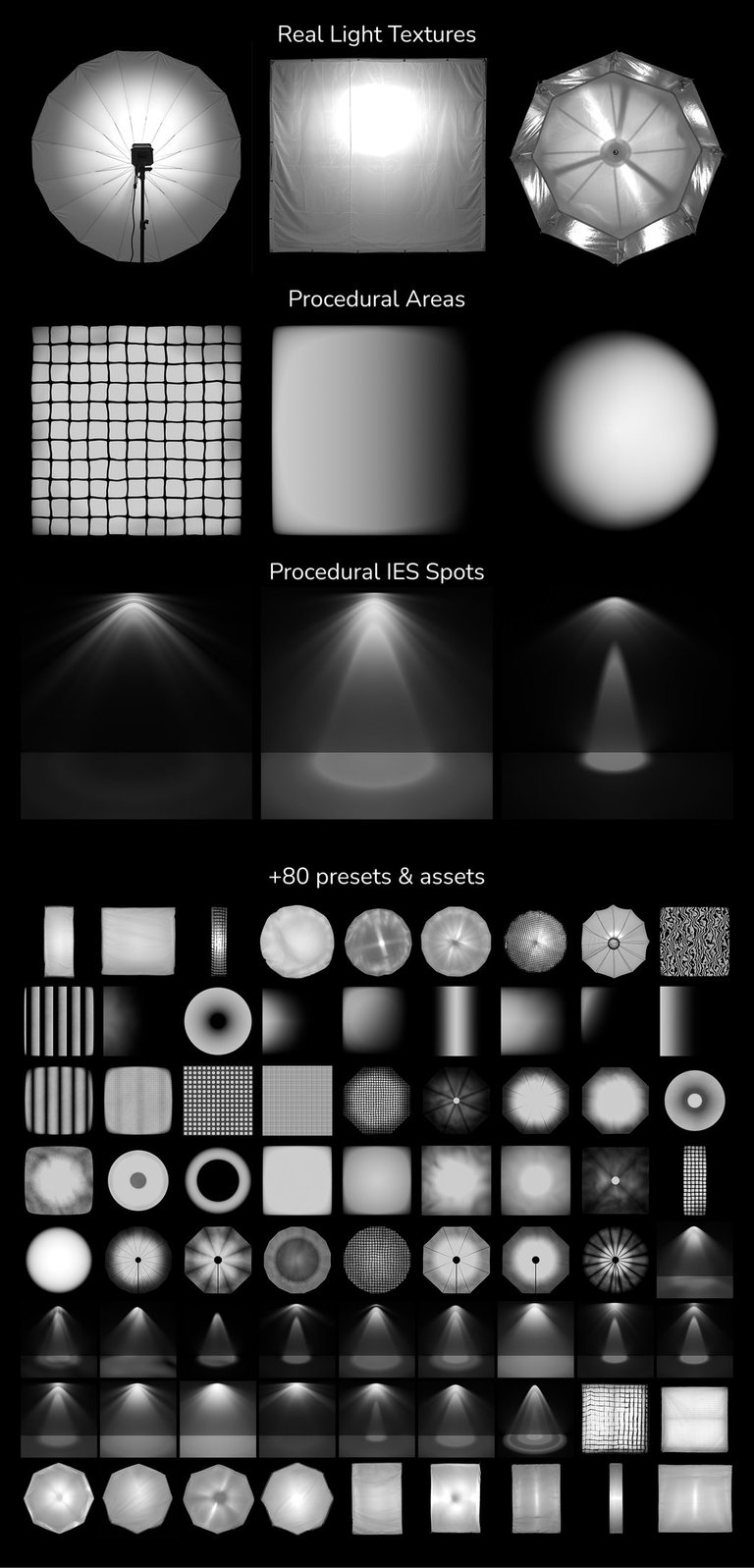

Real Studio Lighting Textures and Presets
In some scenarios you may want to add some extra imperfections as the real studio lights do. This pack include a set of them ready to be used + many area and spotlight presets we created as starting points for the procedural versions.
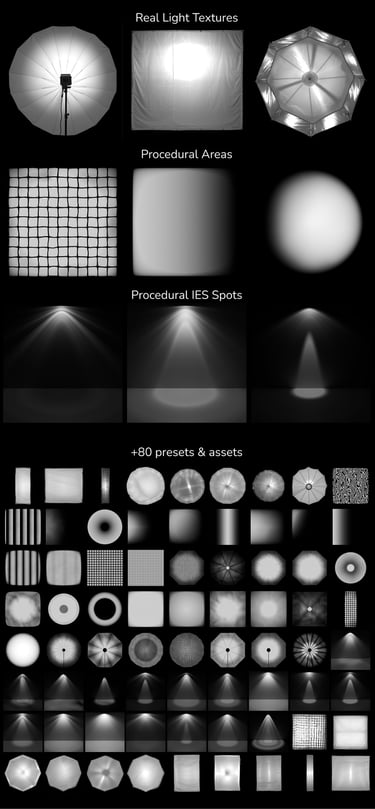
Adjustable to the photon
Use the lights as you would normally do, but feel the power of our procedural setup to create realistic effects.





Soft boxes, octas, gradients
Custom IES or Artistic Spotlight
Create and save your presets
Reuse the lights you made in other projects by exporting them as presets. Also, with just a minimal setup, you can add other sellers’ gobos, or light packs to integrate them with our addon.
Camera from view
Create camera setups extremely quick with our pie menu. Feel like a cinema director framing with your hands and setting the exact perspective you want in a simple gesture.

ProCamera

Use our Pro cameras with advanced rigs, that will let you have a fine control over depth of field, focal length, and targeted constraints. Set it as Manual or enjoy using our rig with its built-in in Auto Focus feature. Quite handy for complex scenes.
Smart Compositing Effects
Our effects smartly adapt to your scene setup. For example, vignette effect will change according to your camera aspect ratio.



Better Glare and Bloom
Dirt on lens


Film Grain, Chromatic Aberration & Smart Vignetting

Quick Backgrounds Colors and Gradients


True Gobos
Our gobos are meant to be setup as actual shadow casters. Instead of adding them to the spotilght they are separated from it to properly cast shadows.
Streamline your workflow
Simplify your studio rendering pipeline. Create complex studio setups and keep them organized with our powerful and intuitive tools.



Render Queue
Whether you had stills or animations, hit the Render queue button to start converting all of those shots into reality!

And a lot more!
✔ Viewlayers mixer and shot combinator
✔ Render Queue and preview
✔ Collections Manager
✔ 3D viewport visual clean up
✔ Material recognizer
✔ Gobos created from real footage
✔ Light and Shadow linking in just a few clicks
✔ Well documented and with video tutorials
✔ ProCamera setup to easily create dolly zooms
✔ Autofocus system, and manual too
✔ Physical exposure emulation (Shutter speed, ISO, aperture)
✔ HDRI baker for Eevee or exporting
✔ Parametric / procedural studio wall background
✔ Light Isolate mode for comparisson and adjustment
✔ Lights defaults on creation
✔ Camera defaults on creation
Ready to boost your project?
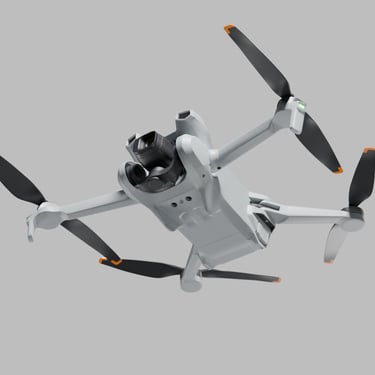
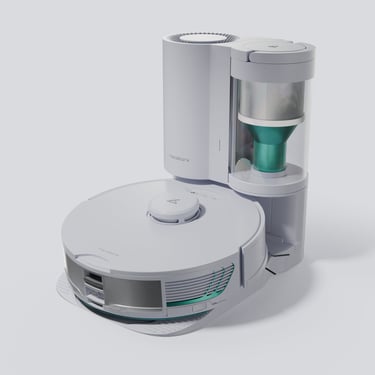
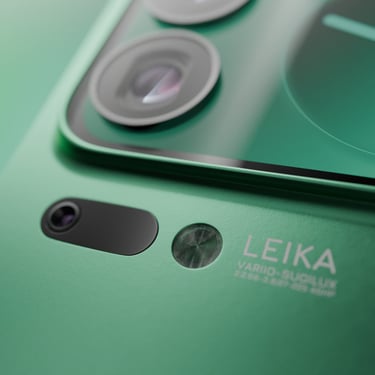
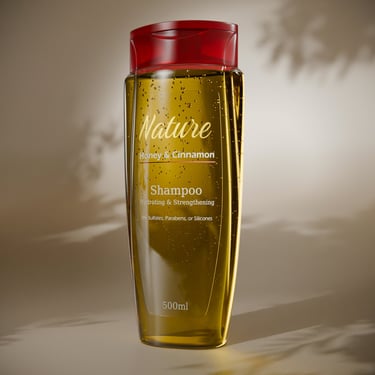
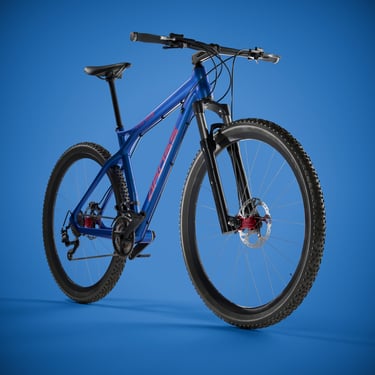
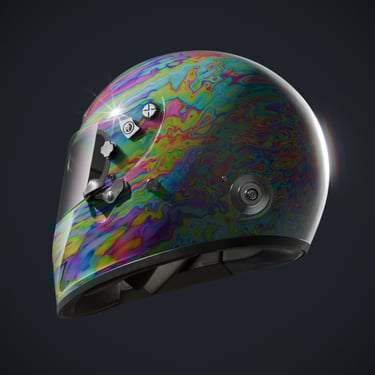
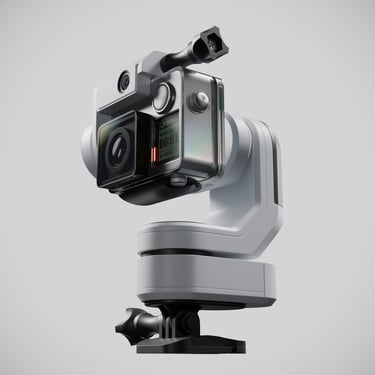
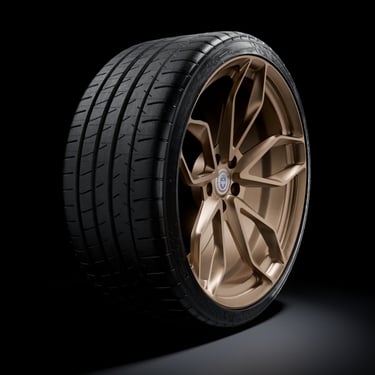
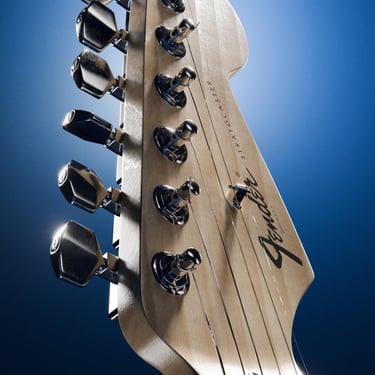
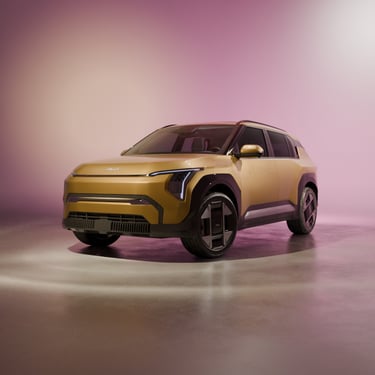
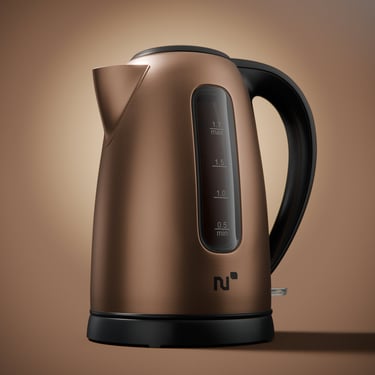
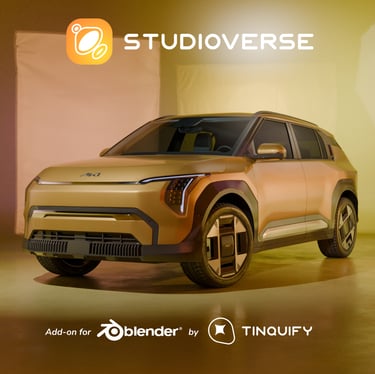
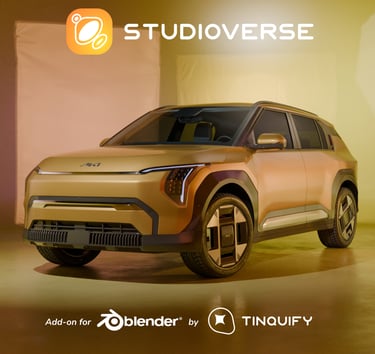

These are some examples of the things you can create using our products.